-Main.svg)
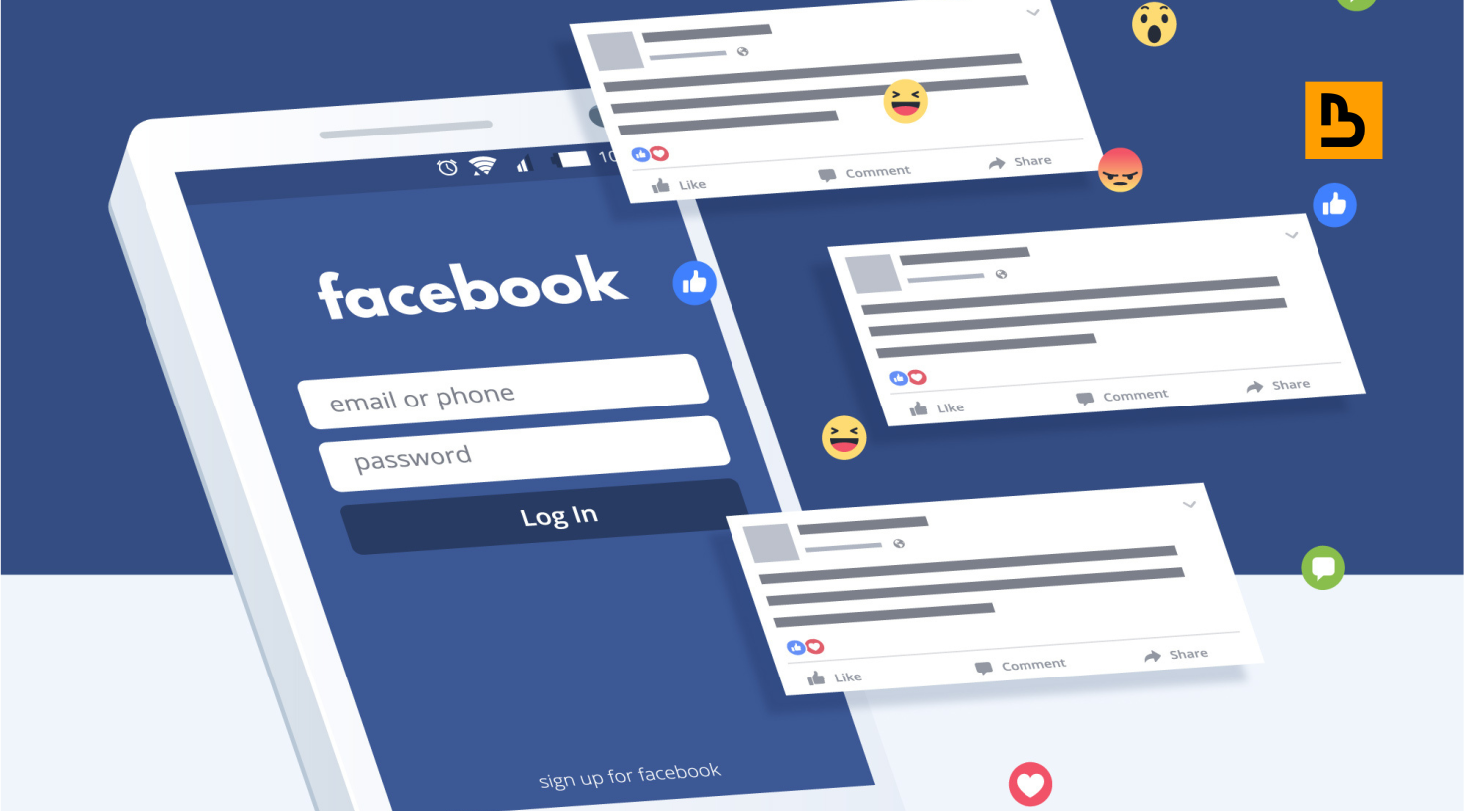
Do you know how to check copyright on Facebook? In the bustling digital bazaar of Facebook, where every click could unveil a new piece of content, understanding the nuances of copyright becomes more critical than ever.
Whether you’re a content creator, a marketer, or just an everyday user, ensuring that you’re not unknowingly infringing on someone’s intellectual property — or that yours isn’t being misused — is paramount.
But how does one navigate this intricate landscape of rights and regulations? Welcome to our guide on how to check copyright on Facebook.
Join us as we demystify the processes, tools, and best practices to ensure your Facebook journey is both creative and compliant.
Copyright Protection on Facebook
Facebook, a digital colossus, plays host to a myriad of content forms, ranging from written posts and shared articles to videos and photographs.
Given the volume and variety, the importance of copyright protection becomes magnified.
For creators, businesses, and everyday users, understanding how copyright works on Facebook is pivotal to ensure both the protection of one’s creations and adherence to ethical content sharing.
Let’s delve into the mechanisms and considerations surrounding copyright protection on this vast platform.
Inherent Copyright Protection: The moment an original piece of content, like a photograph or video, is created, it’s automatically protected by copyright.
You don’t need to register or apply for this basic protection.
This means that, legally, others cannot reproduce, distribute, or display your content without your explicit permission.
Facebook’s Terms of Service: When you upload or post content to Facebook, you grant them a non-exclusive, transferable, sub-licensable, royalty-free, and worldwide license.
This license is to host, use, distribute, modify, run, copy, publicly perform or display, translate, and create derivative works of your content.
However, this license doesn’t mean Facebook owns your content. It’s primarily to ensure the platform can function and showcase the content as intended.
Rights Manager Tool: Recognising the challenges of copyright infringement, Facebook introduced the Rights Manager tool for creators.
This tool lets content owners upload and maintain a reference library of copyrighted content.
Facebook then scans for matches across the platform.
If matches are found, content can be monitored, blocked, or attributed based on the preferences set by the original owner.
Reporting Infringements: If you spot unauthorised use of your copyrighted content on Facebook, you can file a report.
Facebook offers a streamlined reporting system for copyright infringements.
If a claim is valid, the infringing content may be taken down, and the user could face penalties, ranging from content removal to account suspension.
Fair Use and Exceptions: It’s essential to understand that not every use of copyrighted content constitutes an infringement.
Some uses, like commentary, criticism, or educational purposes, may fall under “fair use.”
However, fair use is a complex domain, and what one might consider fair use, another might view as infringement.
Limitations of Copyright: Copyright doesn’t protect ideas, systems, or factual information.
It only protects the expression of these ideas.
So, while a unique article about Facebook’s algorithms is protected, the factual information within it, like stating that “Facebook has algorithms,” isn’t copyrighted.
Digital Millennium Copyright Act (DMCA): While Facebook is a global platform, it adheres to US laws like the DMCA.
To keep the DMCA’s safe harbour, platforms like Facebook must act quickly to remove infringing content once they receive a valid notice.
How to Check Copyright on Facebook?
In the sprawling landscape of Facebook, where content flows ceaselessly, understanding and checking for copyrighted material is essential for creators, marketers, and general users alike.
But how can you be sure if something is copyrighted, or if you have the right to use or share a particular piece of content?
Here’s a guide to help you navigate copyright checks on Facebook:
Facebook’s Copyright Check: If you post reels, you can turn on the copyright check in Facebook’s reels composer. It scans the reel for copyrighted material before it’s published and, if it finds any, holds the reel for an hour so you can fix the problem first; Meta Business Suite offers a similar check for posts. Reels are scanned after publishing either way.
Rights Manager Tool: Facebook’s Rights Manager tool is a prime resource for creators and copyright owners, who have to apply to Meta for access.
This tool allows you to upload and maintain a library of copyrighted content, and Facebook’s system will then scan for matches across the platform.
If you’re a creator, using this tool can help monitor unauthorised uses of your content.
Check for Watermarks or Copyright Notices: Often, creators watermark their images or videos as a sign of ownership.
Look out for these watermarks, logos, or any embedded copyright notices.
Their presence is a clear indicator that the content is protected and may require permission for redistribution.
Read Descriptions and Captions: Many creators, especially on pages or public profiles, will specify usage rights in post descriptions or captions.
They might mention if the content can be freely shared or if it’s restricted.
Contact the Content Creator: If you’re unsure about the copyright status of a piece of content, it’s always a good practice to reach out directly to the original creator or page administrator.
They can provide clarity on usage rights.
Search for Licensing Information: Some content on Facebook might be shared under specific licenses, like Creative Commons, which come with their own set of rules for usage.
If licensing information is provided, review it to understand what’s allowed and what’s not.
Avoid Assumptions with Viral Content: Just because content is widely shared or viral doesn’t mean it’s free from copyright restrictions.
Always exercise caution and do your due diligence before re-sharing.
Review Facebook’s Community Standards and Policies: Facebook has guidelines around intellectual property.
Familiarise yourself with these to better understand the platform’s stance on copyright and what constitutes infringement.
Utilise External Copyright Databases: There are external databases and tools, outside of Facebook, where you can check for copyrighted content, especially for music or professional photography.
Some of these resources might be helpful in verifying the copyright status of specific content.
Be Cautious with Music: Facebook has strict regulations for copyrighted music. Even if you have a right to a video, the accompanying music might be copyrighted.
Ensure you have the necessary permissions or use royalty-free tracks.
Conclusion
The vast realm of Facebook, with its continuous influx of content, serves as both a treasure trove of creativity and a minefield of copyright complexities.
Recognising and respecting the boundaries of intellectual property is not just a legal imperative but also an ethical responsibility.
As we immerse ourselves in this digital space, it becomes crucial to navigate with awareness and respect for creators’ rights.
By understanding how to check copyrights and ensuring we tread carefully, we foster a more respectful and harmonious online community, where creativity thrives and rights are upheld. In the end, the ethos is simple: share with care.
Frequently Asked Questions
How can I know if an image on Facebook is copyrighted?
All original images inherently have copyright protection from the moment of their creation.
However, to ascertain specific rights, look for watermarks, copyright notices, or licensing details in the image or its accompanying description.
If unsure, it’s best to contact the original content uploader or creator for clarity.
Does Facebook have a tool to monitor unauthorised use of my copyrighted content?
Yes, Facebook offers the “Rights Manager” tool for creators and copyright owners. This tool allows you to upload reference files of your copyrighted content.
Facebook then scans for matches across the platform and takes action based on your set preferences.
I found a video with copyrighted music. How can I report it?
Facebook provides an option to report copyright infringements.
If the music is yours, click the three dots at the top right of the post and follow the prompts to report a violation of your intellectual property rights, or use Facebook’s copyright report form. Only the copyright owner or someone authorised to act for them can file the report, so if the music belongs to someone else, let them know instead.
Is content shared under “Public Domain” or “Creative Commons” free from copyright restrictions on Facebook?
Not necessarily. “Public Domain” typically means the content is free from copyright and can be freely used by anyone.
However, “Creative Commons” licenses come with specific conditions and vary in their permissions.
It’s vital to understand the particular license type and its restrictions before using the content.
If a piece of content on Facebook doesn’t have a copyright notice, does that mean it’s free to use?
No. The absence of a copyright notice doesn’t mean the content is free from copyright. Original content is automatically copyrighted upon creation.
Always seek permission from the original creator or verify its licensing before using or redistributing it.