-Main.svg)
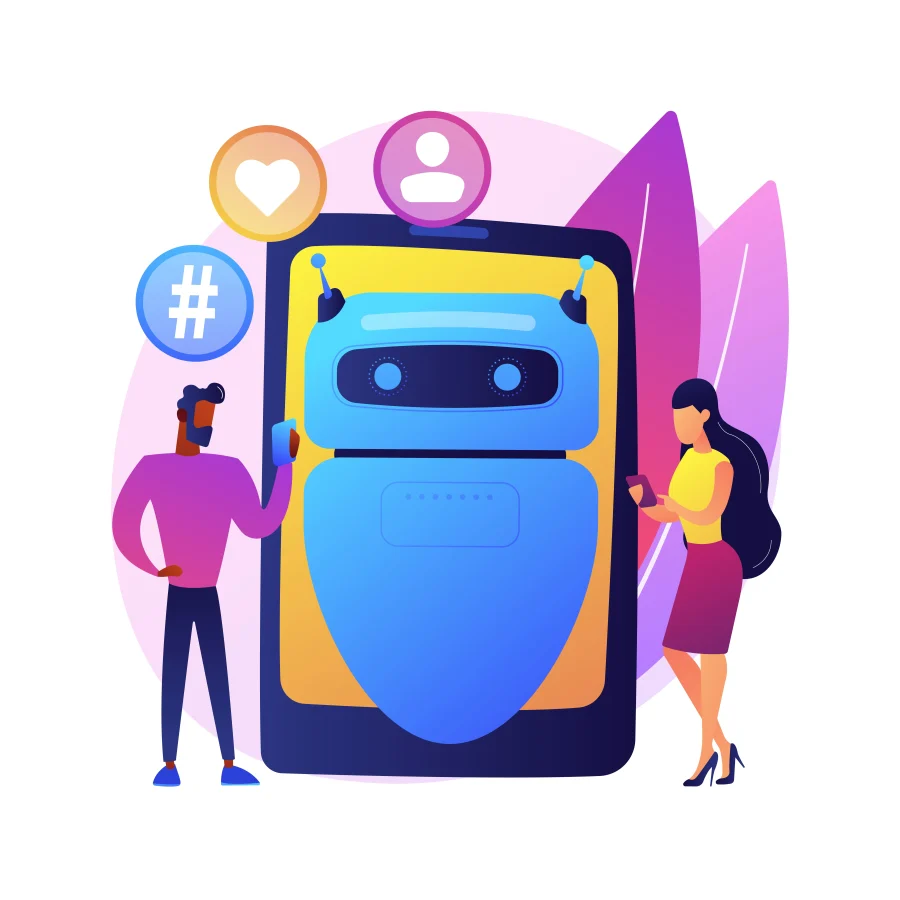
Most brand managers and security experts usually go on a hunt to search for the term Facebook bot or bots on Facebook whenever they see suspicious activity on their pages. The question they ask themselves is what is a Facebook bot or what Facebook bots are because they are trying to make sense of these changes in engagement. The posts can be liked by bots, they can comment, send messages or follow accounts without human intervention.
These bots can confuse the actual user when they numerously appear, decrease actual interaction, and undermine the reputation of a brand. According to Imperva’s 2025 Bad Bot Report, bad bots constituted 37 percent of all internet traffic worldwide in 2024, with automated traffic in general surpassing half of web traffic.
It can be worrying to many brands, as many people are deceived by fake followers, random likes, or weird comments. This blog will discuss what Facebook bots are, how to recognize them as well as how you can safeguard your brand.
What is a Facebook Bot?
Suppose you are scrolling on Facebook, and you come across someone who appears to be real, but this person is just not a person. That is a Facebook bot. These are computer-controlled accounts or programs that are designed to behave as humans. They are able to update, send messages, comment on posts, or even send friend requests, even when no one is sitting at the back of the screen. Although some of them are useful in customer service, most of them are designed to spam, to manipulate numbers, or to copy real users.
The problem with that is that bots are becoming smarter by the day. They reply, share, or scrape content with scripts and artificial intelligence and do so in a manner that appears natural. This complicates the process of detecting them and securing your brand even further.
How to Identify Facebook Bots?
Facebook bots become smarter, so it is difficult to understand how to identify a bot on Facebook and how to tell if someone is a bot on Facebook. Early discovery will help you avoid the fake interactions, spam, and security problems that are hurting your brand.
How to identify a bot on Facebook, how to tell if someone is a bot on Facebook
- Unusual Activity or Speed
What the accounts that like, comment, or share dozens of posts within a few seconds are not doing is an action of a real person. - Repetitive Responses
Bots can be seen as repeating the same commentary/ reply several times, and their activity is easily noticed. - Generic or Automated Messages
Bots tend to send messages that are generally templated, vague, or otherwise impersonal. - No Profile Picture or Incomplete Profile
A good number of bots have no photographs, stock photographs, or minimal information on their profiles. - Suspicious High Volume of Friend Requests
Accounts that request in large numbers are probably robots.
Being aware of these red flags will help you know how to tell when someone is a bot on Facebook before it hurts your brand.
How Facebook Bots Can Harm Your Brand
- Impact on User Trust
A real audience might find strange comments or fake interaction and start to question you. - Damage to Customer Relations
In case bots respond in the wrong way or write nonsense, there is a risk of damaging your relationship with the real customers. - Spamming or Misleading Content
Bad bots can leave spam, spoof links, or advertisements that will misguide your audience. - Negative Brand Perception
In case people view your involvement as a lie, they can regard your brand as inferior or inconsiderate.
Once a bot gains access to your page, it influences the perception and trust of the real users of your brand.
Steps to Safeguard Your Brand from Facebook Bots
This is a series of guidelines that can help in protecting your brand on Facebook against bots.
- Use Facebook’s Security Features
Both Facebook content protection software and tools to check copyright on Facebook are very useful to protect the content, enable two-factor authentication, and limit the access of an administrator. - Regularly Monitor Interactions
Check the comments, messages, and the followers every day. Be alert to sharp spikes or abnormalities. - Block and Report Suspicious Accounts
In case an account looks to be a fake one, block and report it to Facebook. This will stop additional destruction. - Leverage AI and Bot Detection Tools
Scan behaviour, and identify bot-like behaviour using third-party or AI systems. - Educate Your Audience on Recognizing Bots
Share a guide or a post in order to teach followers how to be able to see a bot on Facebook. The more conscious your community, the larger it is to conceal bots.
A combination of all these will create a solid anti-bot protection for your Facebook page.
Stay Ahead with Bytescare’s Social Media Protection Solutions
We offer a set of reputation management tools to defend your brand on social media and across the digital environment. They combine monitoring with human review, checks against the law and platform policies, and takedown or removal requests to the platforms involved. Key features include:
- Defamation Scanning – This is regular online monitoring, on your plan’s scan cycle, of mentions, posts or content generated about your brand to identify negative, misleading or defamatory content.
- Flagging of Defamatory Content – When harmful and dangerous content is detected, Bytescare flags it for your review, so you can decide what action to take before it does more damage to your image.
- Takedown Requests Checked Against Law and Policy – Bytescare checks each case against applicable laws and platform policies before filing the takedown or removal requests you approve, where the content infringes on rights or is obviously defamatory.
- Proven and Seasoned Team – In addition to automated tools, there is the direct work of reputation professionals who know how to make interventions fit your brand voice and requirements. This means responses are nuanced and on-brand.
- Manual Addition of Potential Cases – You can add cases in which you suspect special treatment may be required, even when they have not been flagged automatically- in this way you have control over material that could otherwise bypass automated filters.
Protect Your Brand from Facebook Bots
Bots are no longer in the realm of the occasional, and they are a severe threat to the brand’s reputation, engagement, and trust. You have now understood what a Facebook bot is and how to spot a Facebook bot, and how bots can destroy your brand. It is very important to watch out for behavior, repeated messages, and fake accounts to preserve genuine and real communication with your audience.
Bytescare also helps brands stay secure on Facebook: it detects suspicious accounts and content that target your brand on each scan cycle, and reports the ones you approve to Facebook.
FAQs
What are Facebook bots used for?
They facilitate automated responses, share updates, unfollow, scrape content, or, in the worst malicious scenarios, send spam and make fake interactions.
Are Facebook bots legal to use?
Some bots (customer support or moderation) comply with the rules of Facebook and are allowed. Nevertheless, the usage of bots that are used to defraud, spam, or breach policies are not in line with the Facebook terms.
Can Facebook bots harm your account?
Yes. They can destroy the reputations, corrupt analytics, annoy real users, and in some cases can inspire punitive behavior in case they violate the rules of the platform.